
Database Schema Documentation Template
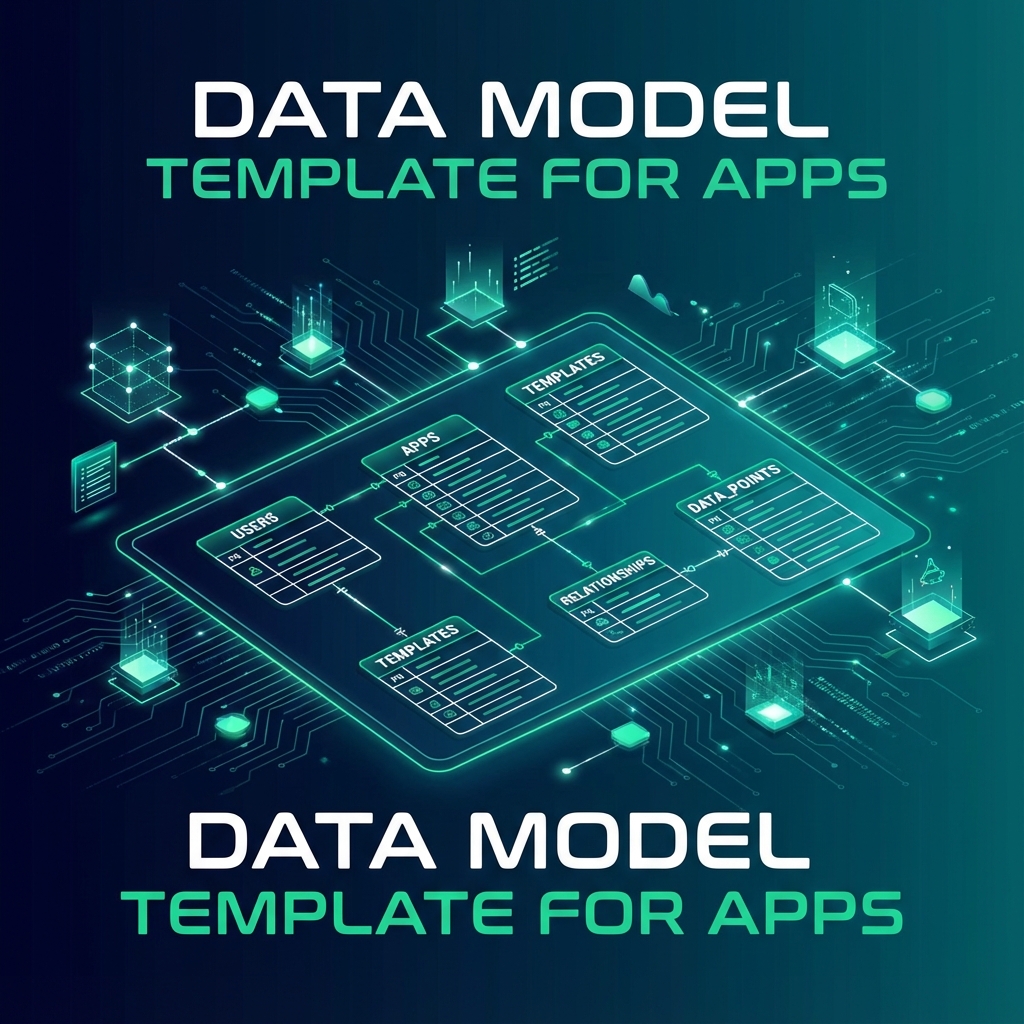
Download the database schema template for AI coding projects. Includes tables, columns, relationships, indexes, and RLS policies.
Context Ark Team
17 min read
Database Schema Documentation Template
TL;DR: Document your database schema so AI tools query correct columns. No more hallucinated column names.
The Template
# [Project Name] — Database Schema

## Overview

- **Database:** PostgreSQL / MySQL / SQLite
- **ORM:** Prisma / Drizzle / None
- **Provider:** Supabase / AWS RDS / Local

---

## Tables

### users

Primary user accounts.

| Column     | Type        | Constraints                   | Description  |
| ---------- | ----------- | ----------------------------- | ------------ |
| id         | UUID        | PK, DEFAULT gen_random_uuid() | Primary key  |
| email      | TEXT        | UNIQUE, NOT NULL              | User email   |
| name       | TEXT        | NOT NULL                      | Display name |
| role       | TEXT        | DEFAULT 'user'                | user / admin |
| created_at | TIMESTAMPTZ | DEFAULT now()                 | Created      |
| updated_at | TIMESTAMPTZ | DEFAULT now()                 | Updated      |

**Indexes:**

- `idx_users_email` on (email)

**RLS Policies:**

- Users can read/update their own row
- Admins can read all

---

### [table_name]

[Description of table purpose]

| Column     | Type        | Constraints                      | Description   |
| ---------- | ----------- | -------------------------------- | ------------- |
| id         | UUID        | PK                               | Primary key   |
| [column]   | [TYPE]      | [CONSTRAINTS]                    | [Description] |
| user_id    | UUID        | FK → users(id) ON DELETE CASCADE | Owner         |
| created_at | TIMESTAMPTZ | DEFAULT now()                    | Created       |

**Indexes:**

- `idx_[table]_user` on (user_id)
- `idx_[table]_[column]` on ([column])

**RLS Policies:**

- [Policy description]

---

## Relationships

```mermaid
erDiagram
    users ||--o{ projects : owns
    projects ||--o{ tasks : contains
    users ||--o{ tasks : assigned_to
```
DDL
-- users
CREATE TABLE users (
    id UUID PRIMARY KEY DEFAULT gen_random_uuid(),
    email TEXT UNIQUE NOT NULL,
    name TEXT NOT NULL,
    role TEXT DEFAULT 'user',
    created_at TIMESTAMPTZ DEFAULT now(),
    updated_at TIMESTAMPTZ DEFAULT now()
);

CREATE INDEX idx_users_email ON users(email);

-- Enable RLS
ALTER TABLE users ENABLE ROW LEVEL SECURITY;

-- RLS Policies
CREATE POLICY "Users can read own data"
    ON users FOR SELECT
    USING (auth.uid() = id);

-- [Additional tables...]
Migrations
All migrations stored in /supabase/migrations/ (or /prisma/migrations/)
| Migration | Date | Description |
|---|---|---|
| 001_initial | 2026-01-01 | Initial schema |
| 002_add_projects | 2026-01-02 | Add projects table |
---

## How to Use

1. Copy template to `/docs/schema.md`
2. Fill in your tables and columns
3. Reference in AI prompts

**Example prompt:**
Using @docs/schema.md, write a query to get all projects for the current user. Check column names against the schema.
---

## Related

- [Data Model Guide](/blog/data-model-template-for-apps)
- [API Spec Template](/templates/api-spec-template-openapi-ai)
- [SDD Template Pack](/templates/spec-driven-development-template)

---

> **Schema that AI respects.** [Generate →](/)

---

*Last updated: January 2026*
templatesdatabaseschemadata-model
C
Context Ark Team
Writing about AI, documentation, and developer tools
Turn Brain Dumps into PRDs
Don't let AI guess your requirements. Generate a structured PRD with acceptance criteria instantly.